 11
11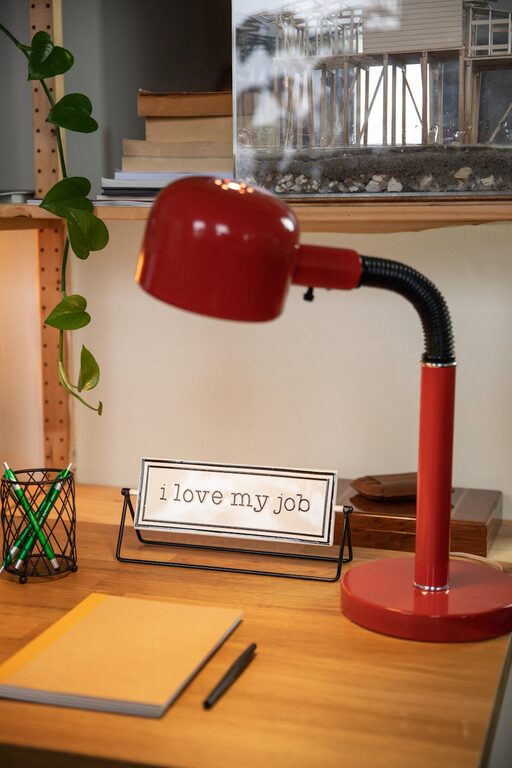
Creating a home office that is both cozy and productive is essential for anyone who works from home or spends a significant amount of time at their desk. A well-designed workspace can improve your focus, boost creativity, and make your workday more enjoyable. This guide offers practical tips to help you transform any corner of your home into an inviting and efficient office space.
Selecting the perfect spot for your home office is the first step. Here are some considerations:
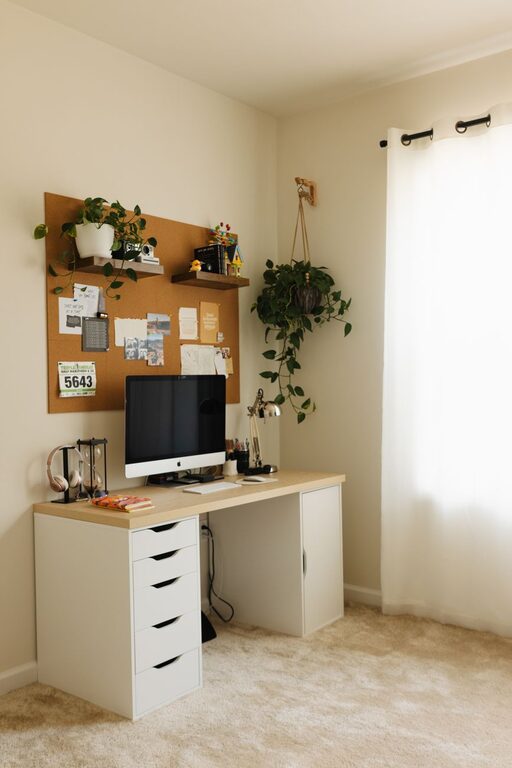
– Natural Light: Try to position your desk near a window. Natural daylight helps reduce eye strain and enhances mood.
– Quiet Environment: Avoid areas with heavy foot traffic or noise from household activities. A quiet space promotes concentration.
– Space Availability: Ensure there is enough room for your desk, chair, and office supplies without feeling cramped.
Comfortable furniture supports long hours of work and helps maintain good posture.
– Ergonomic Chair: Choose a chair that supports your back and allows feet to rest flat on the floor.
– Adjustable Desk: A desk with adjustable height can accommodate sitting and standing positions.
– Adequate Desk Space: Make sure there is enough surface area for your computer, notebooks, and other essentials.
An organized workspace reduces distractions and saves time.
– Storage Solutions: Use shelves, drawers, and filing cabinets to keep items neatly stored.
– Desk Organizers: Invest in organizers for pens, papers, and gadgets.
– Declutter Regularly: At the end of each day, tidy your space to maintain a clean environment.
Adding personal touches makes your office feel welcoming and inspiring.
– Artwork and Photos: Hang pictures or art pieces that motivate you.
– Plants: Indoor plants improve air quality and add a fresh touch.
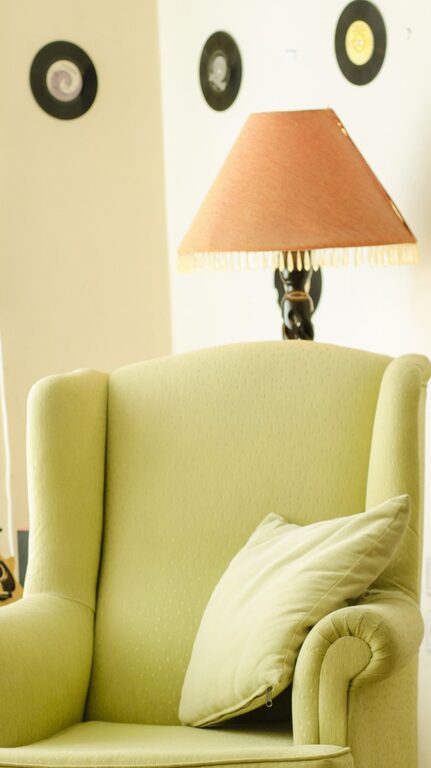
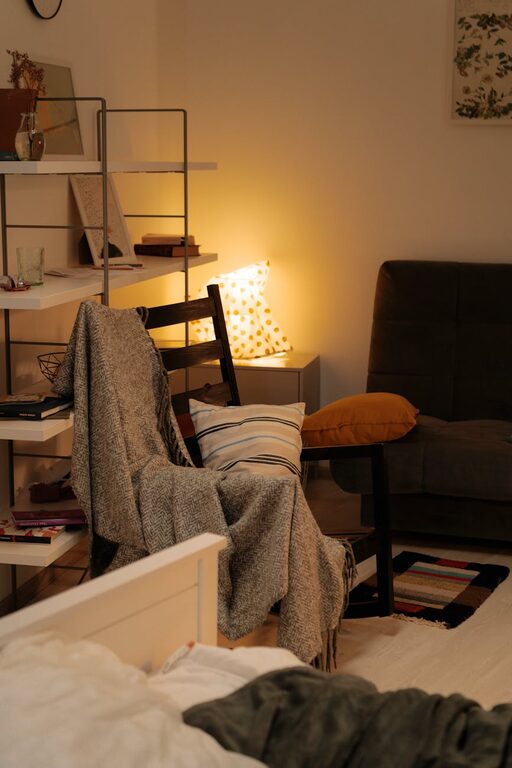
– Decor: Choose items like a cozy rug or cushions to create a warm atmosphere.
Proper lighting reduces eye strain and enhances productivity.
– Task Lighting: Use desk lamps to focus light where you need it.
– Ambient Lighting: Soft overhead lights can create a comfortable setting.
– Control Glare: Position screens and lamps to avoid reflection and glare.
Technology plays a vital role but should not overwhelm your space.
– Cable Management: Use clips, cords sleeves, or cable boxes to keep wires tidy.
– Quality Equipment: Invest in a good monitor, keyboard, and mouse for comfort and efficiency.
– Reliable Internet: Ensure your internet connection is stable to avoid interruptions.
Creating mental and physical boundaries helps maintain work-life balance.
– Defined Workspace: Keep your office area separate from relaxation zones.
– Set Work Hours: Stick to a regular schedule to maintain productivity.
– Take Breaks: Stand, stretch, or take short walks to refresh your mind and body.
Noise can be a significant distraction, so consider ways to minimize it.
– Noise-Canceling Headphones: Useful if your environment is noisy.
– Soft Materials: Rugs, curtains, and cushions can absorb sound and reduce echo.
– White Noise Machines: These devices can help mask distracting sounds.
Small comforts add up to a better work experience.
– Temperature Control: Use a fan or heater to keep the temperature pleasant.
– Hydration and Snacks: Keep a water bottle and healthy snacks nearby.
– Comfort Breaks: Schedule time for relaxation to avoid burnout.
—
By combining these tips, you can create a home office space that feels cozy and promotes productivity. Tailor your setup to your preferences, and don’t be afraid to adjust as your needs change. A thoughtfully designed workspace can make working from home a pleasant and efficient experience.