 11
11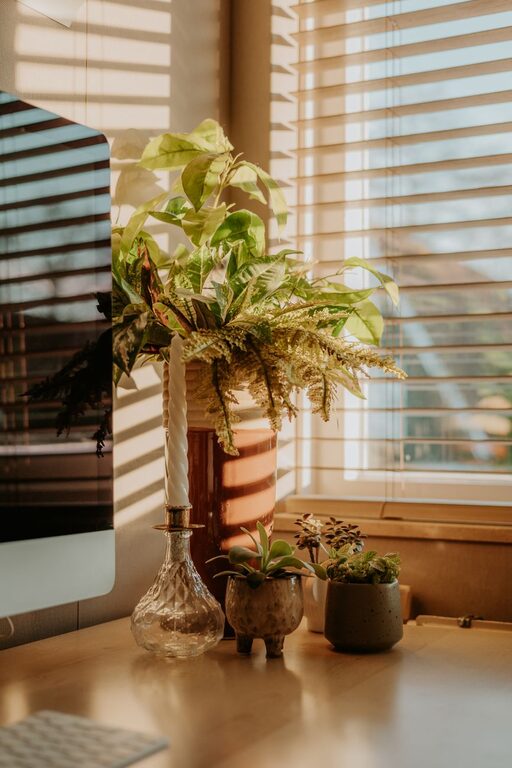
Working from home has become a norm for many, making the home workspace an essential part of daily life. Creating an area that is both cozy and productive can boost your focus and make your workday more enjoyable. This guide explores practical tips to help you design a home workspace that supports comfort and efficiency, no matter your job or available space.
Your workspace greatly influences how you feel and perform while working. A comfortable environment reduces stress and physical strain, while a well-organized setup can improve focus and workflow. Combining coziness with productivity means you create a spot where you want to be and where you can get things done.
—
Select a spot with plenty of natural light. Sunlight helps regulate your circadian rhythm, improving mood and alertness. If natural light is limited, invest in quality artificial lighting that mimics daylight.
Pick a quiet area away from noisy household zones like the kitchen or living room. A dedicated space helps condition your mind to focus when you’re in your workspace.
Even a small nook can work if it is uncluttered and clearly defined. Use room dividers or shelves to separate your work area from living spaces.
—
Ergonomic support is key to comfort. An adjustable chair with lumbar support helps prevent back pain during long working hours.
Your desk should fit your work style. Sit-stand desks offer flexibility to change positions throughout the day, reducing fatigue.
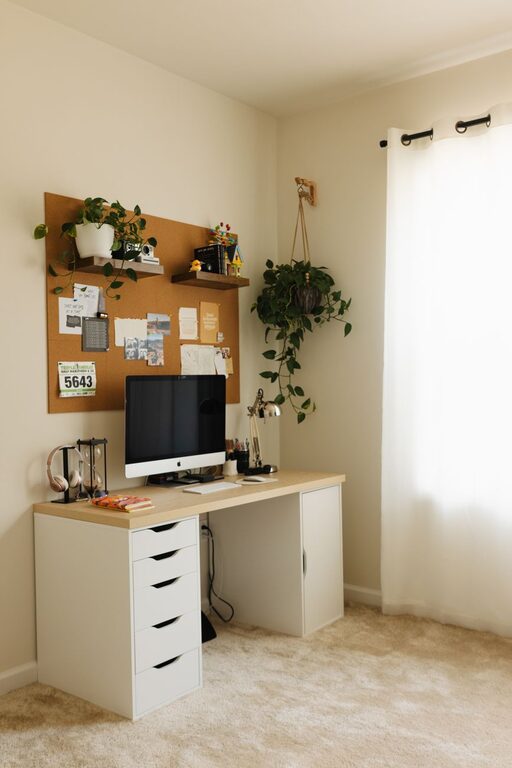
Keep your desk surface clean and only incorporate essential items. Use organizers or drawers to store supplies, reducing clutter.
—
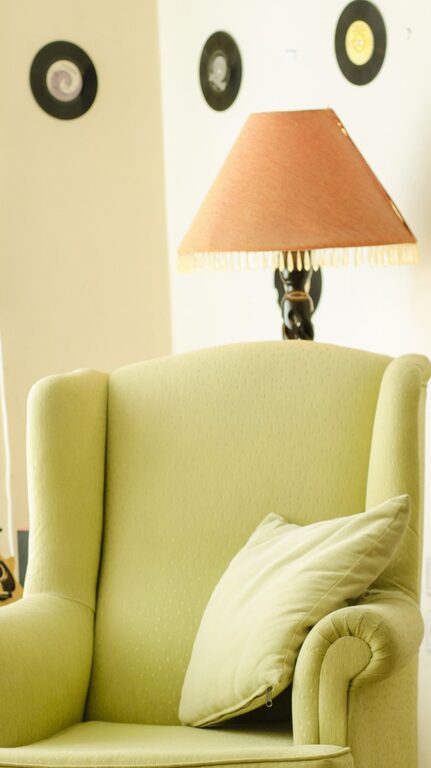
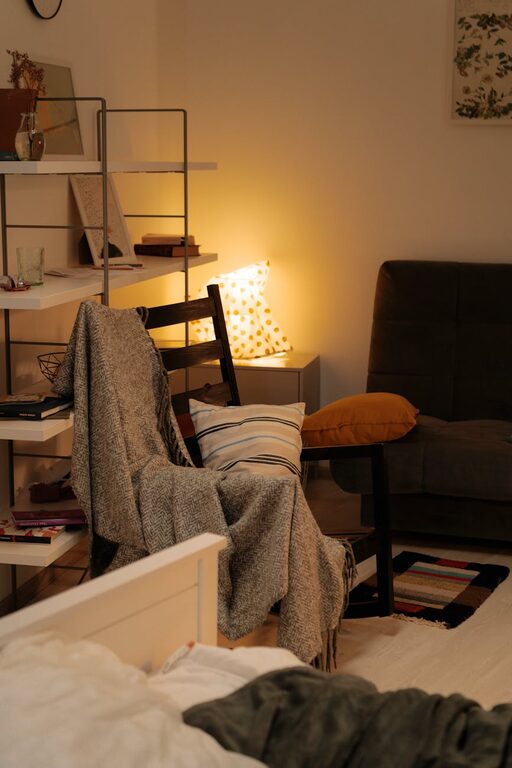
Incorporate soft textures like a throw blanket or cushioned chair pad. These small touches make the space inviting.
Colors affect mood and focus. Blues and greens are calming, while yellows can boost creativity.
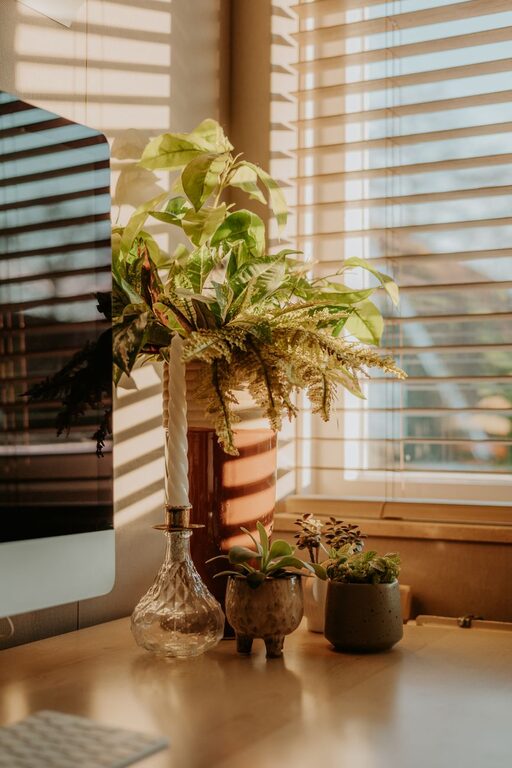
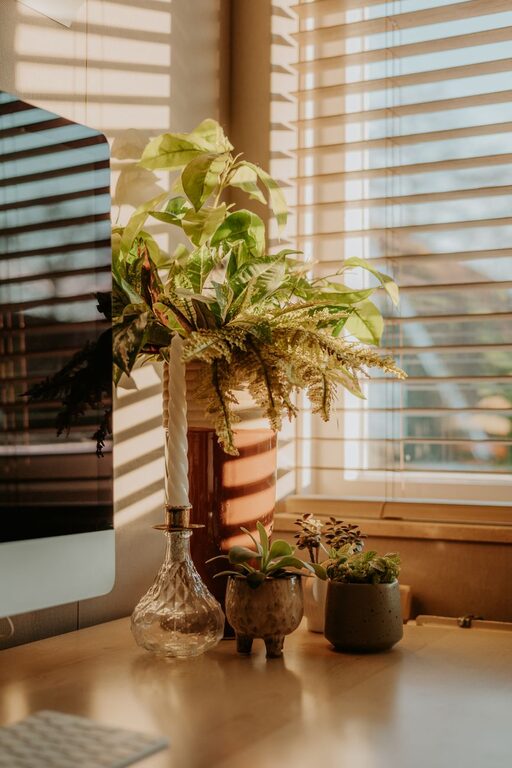
Indoor plants improve air quality and add a touch of nature, which can increase productivity and reduce stress.
—
Combine overhead, task, and ambient lighting. A desk lamp focused on your work area helps reduce eye strain.
Position your monitor perpendicular to windows and use curtains or blinds to control excessive brightness.
—
Place your computer, phone, and other devices within easy reach to avoid unnecessary movement.
Use cable organizers or clips to prevent tangling and maintain a clean look.
—
Set clear start and end times to create balance and ensure you take breaks.
Use habits like changing clothes or stretching to signal the start or end of the workday.
Focus on one task at a time to maintain productivity and reduce stress.
—
Step away from your desk every hour to stretch or move. This helps prevent fatigue and improves focus.
Keep water and healthy snacks nearby to maintain energy levels.
Pay attention to sitting posture to avoid physical strain. Adjust your chair or monitor height as needed.
—
Designing a home workspace that is both cozy and productive doesn’t require a large budget or space. By thoughtfully selecting your location, furniture, lighting, and personal touches, you create an environment that supports your work and well-being. Maintain good habits and organization to keep your space inviting and efficient. With these tips, you can enjoy a home workspace that makes working from home both comfortable and rewarding.